



Description
🎁 Your Free Power BI × Excel × PowerPoint Starter Package
This starter package is designed for anyone who regularly updates reports or presentation decks in the same format every week or month.
It gives you everything you need to connect your Excel data to Power BI and automatically update visuals in PowerPoint — all with one simple workflow.
✅ What’s Included
1️⃣ Power BI Template (.PBIX)
A pre-built Power BI file with sample visuals, measures, and DAX formulas.
Fully editable for your own dataset.
2️⃣ Sample Database for Power BI
An Excel file containing clean, easy-to-understand sample data.
Just replace with your actual data following the format — no advanced setup required.
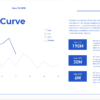
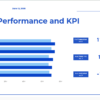
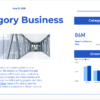
3️⃣ PowerPoint Template (Linked to Power BI)
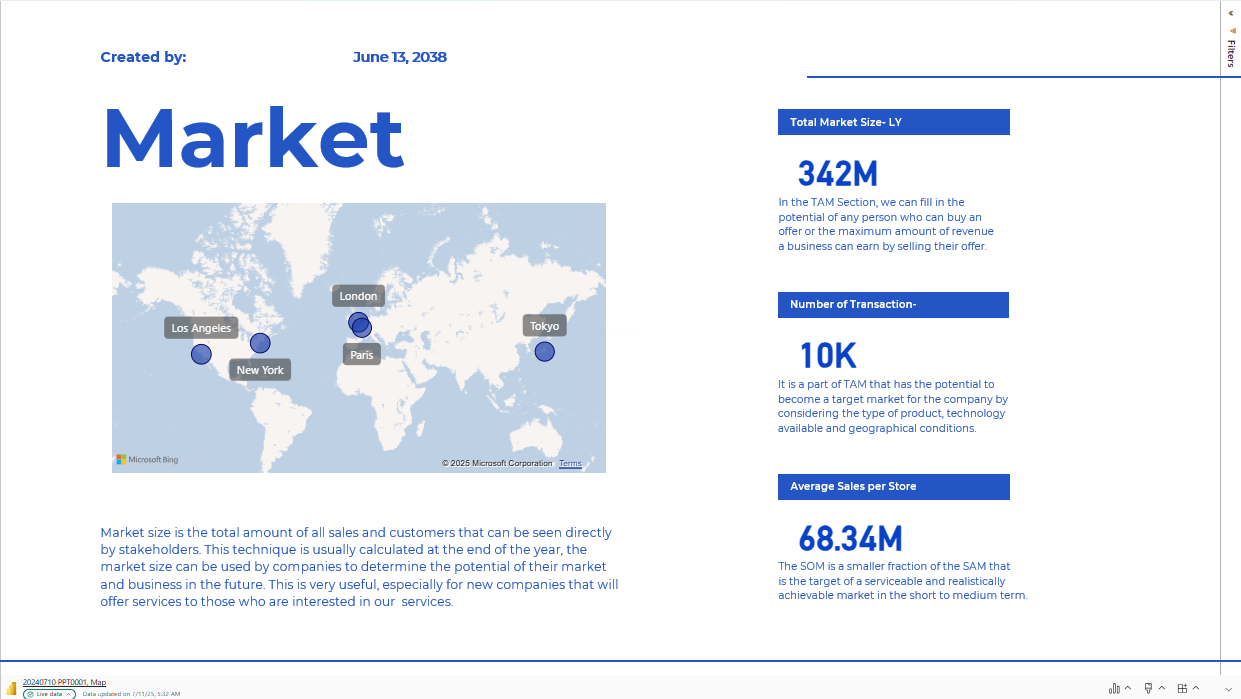
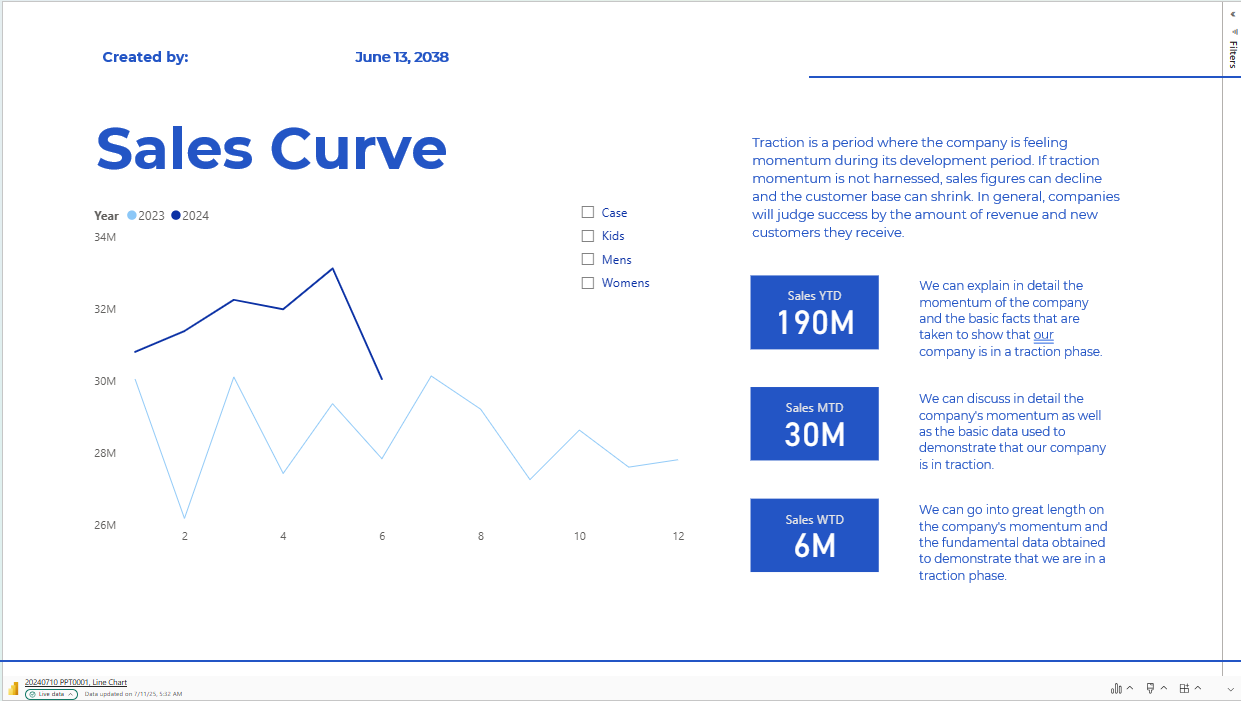
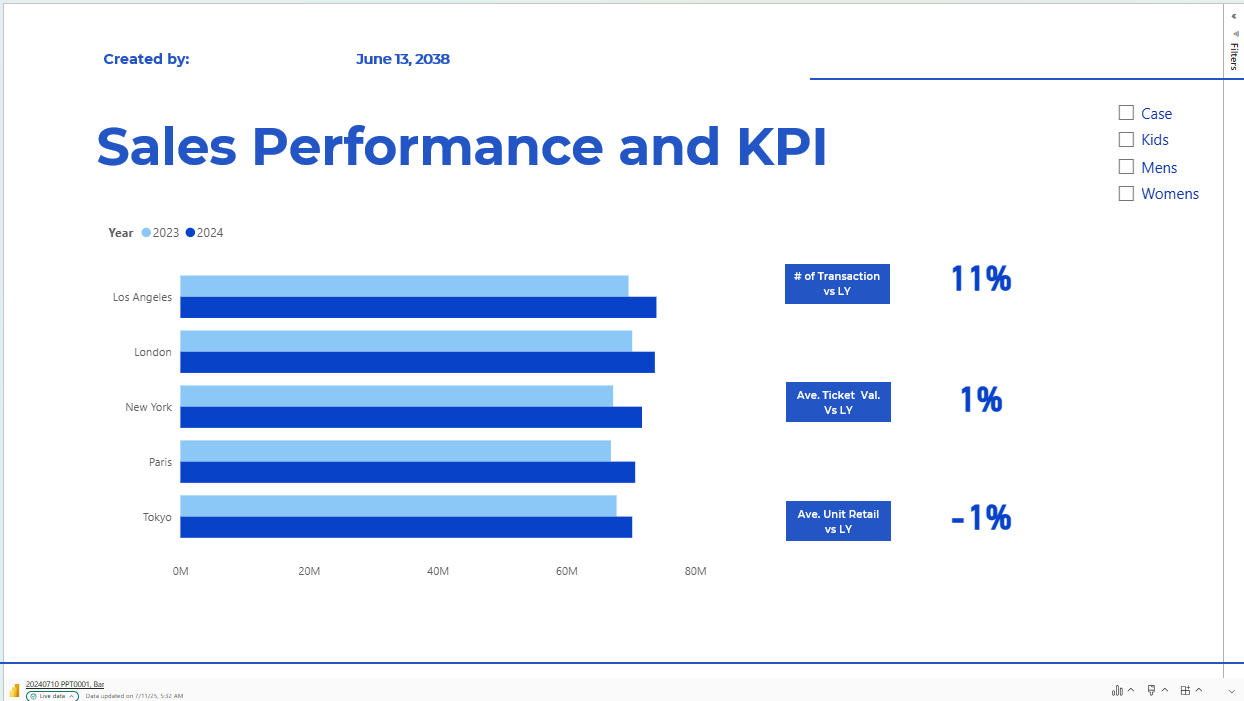
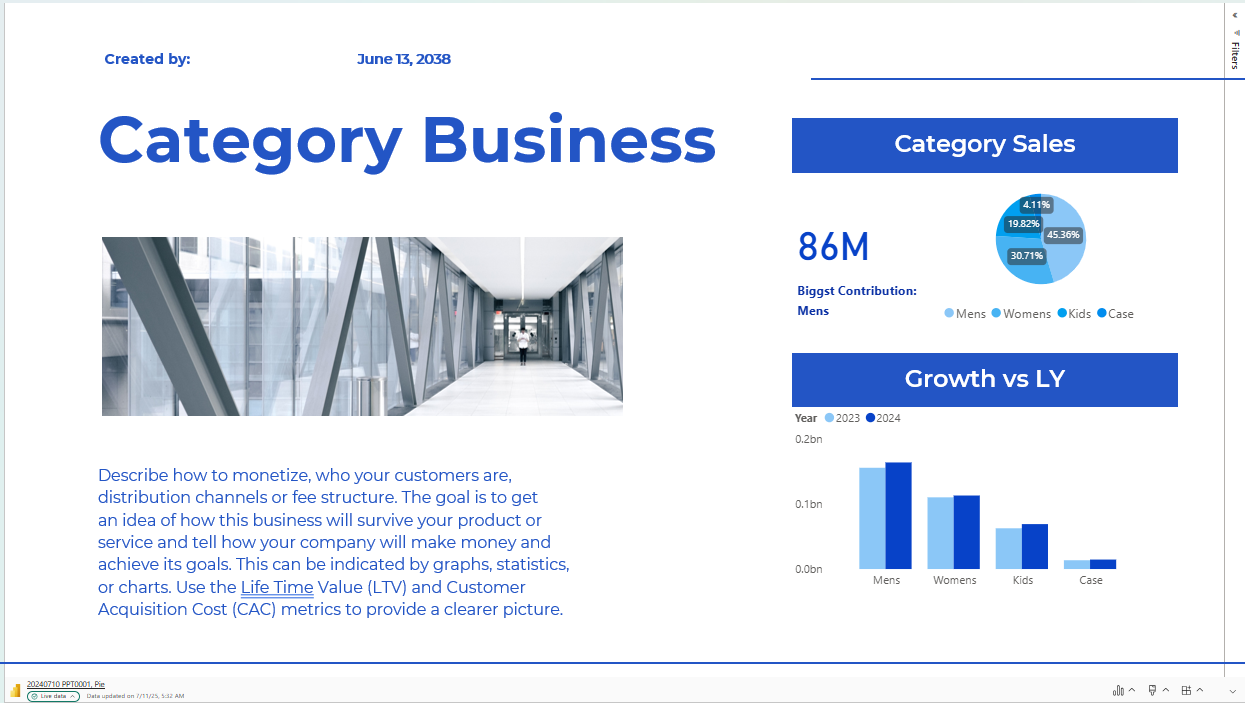
A ready-to-use PowerPoint slide deck that connects directly to your published Power BI visuals.
Use it to automatically refresh charts for meetings without copy-pasting screenshots!
4️⃣ Starter Guide (PDF)
A step-by-step manual explaining:
-
How to set up your Excel file
-
How to connect your data in Power BI Desktop
-
How to publish your report to the Power BI Service (Web)
-
How to link specific visuals or pages into PowerPoint
-
How to refresh your data and visuals
5️⃣ Power BI Pro Overview (PDF)
An easy-to-read guide on why a Power BI Pro license might be needed
(especially when sharing reports with colleagues).
Includes basic cost, plan, and permission details.
6️⃣ Bonus: Custom Visual Power BI Dashboard
A sample Power BI dashboard with Custom Visuals included — to inspire you with interactive and unique ways to display your data.
⚙️ How It Works
-
🗂️ Download the entire package and save it in your preferred folder.
-
📊 Connect your own Excel data by replacing the sample file — follow the same column order and headers.
-
🔗 Refresh your data in Power BI Desktop and publish to the Power BI Service.
-
📈 Embed your visuals in PowerPoint — no more manual updating!
-
🔁 Keep it fresh — whenever your Excel data changes, simply refresh in Power BI and your PowerPoint will update.
💡 Why Use This Package
✅ No more copy-pasting static charts.
✅ Save hours updating recurring slides.
✅ Keep everyone on the same page with real-time data.
✅ Perfect for monthly reports, executive decks, or client presentations.
📌 Important
-
For shared access or live embedding, a Power BI Pro license is recommended.
-
See the included Pro Guide for details.
-
Always keep your Excel file in the same folder or use a Parameter for easy path changes.
📬 Download Now — Free
Use this starter pack to experience how powerful the Excel → Power BI → PowerPoint workflow can be.
Upgrade your reporting process and spend more time on insights, not updates.
Customization options are also available.
Refer to Pricing page for detail and contact us further!
Reviews
There are no reviews yet.